


Market Leaders In 3D Printing and Rapid Prototyping
CRDM is now part of the global Quickparts team from 3DSystems
MetaTrader 4 (MT4) is a popular trading platform among forex traders due to its user-friendly interface and advanced charting features. With the ability to execute trades quickly and efficiently, it caters to both novice and experienced traders. MT4 for PC offers an array of analytical tools, customizable indicators, and automated trading options to enhance trading strategies.
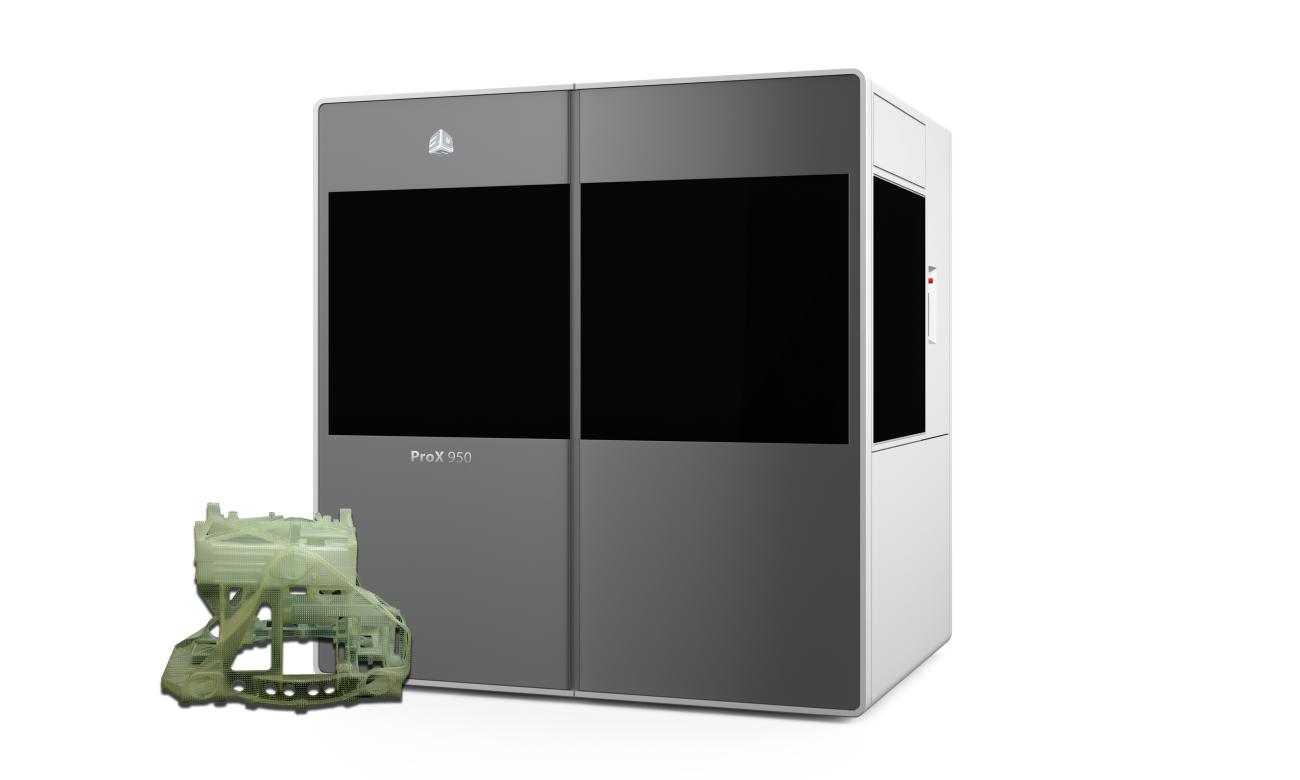
3D Systems is a leading provider of 3D content-to-print solutions including 3D printers, print materials and on-demand custom parts services for professionals and consumers alike. The company also provides CAD, reverse engineering and inspection software tools and consumer 3D printers, apps and services. Learn more…
18 Year’s of Experience Across A Diverse Range of Industries
We are the UK’s foremost provider of 3D printing and rapid prototyping services for industry, across sectors including automotive, aerospace, medical and defence. We specialise in delivering high-quality components for prototype, pre-production and full production requirements, from our bespoke 22,250 sq ft facility, backed up by 18 years of experience in rapid prototyping and tooling industries.
About Us
Are you excited about rapid prototyping or 3D printing, want to bring your CAD design to life? Having been established since 1995, we’ve since become a market leader and solutions provider in rapid prototyping and 3D printing for a range of industry sectors.
Why Choose 3D Systems
- Huge Capacity: 22,250 square foot facility, 24/7 SLA machine operation and 40+ staffed technicians.
- A wealth of experience: Automotive prototyping for McLaren, Rolls Royce, Lexus.
- Quality & support: Strong machining presence in China and highly compliant in quality control systems.
We’d be more than happy to provide a quote for you. You’d receive a quote within 2 hours with a CAD expert on hand to help with any queries, we also provide guides on exporting STL files.